How to Edit or Remove Bates Numbering in Adobe Acrobat
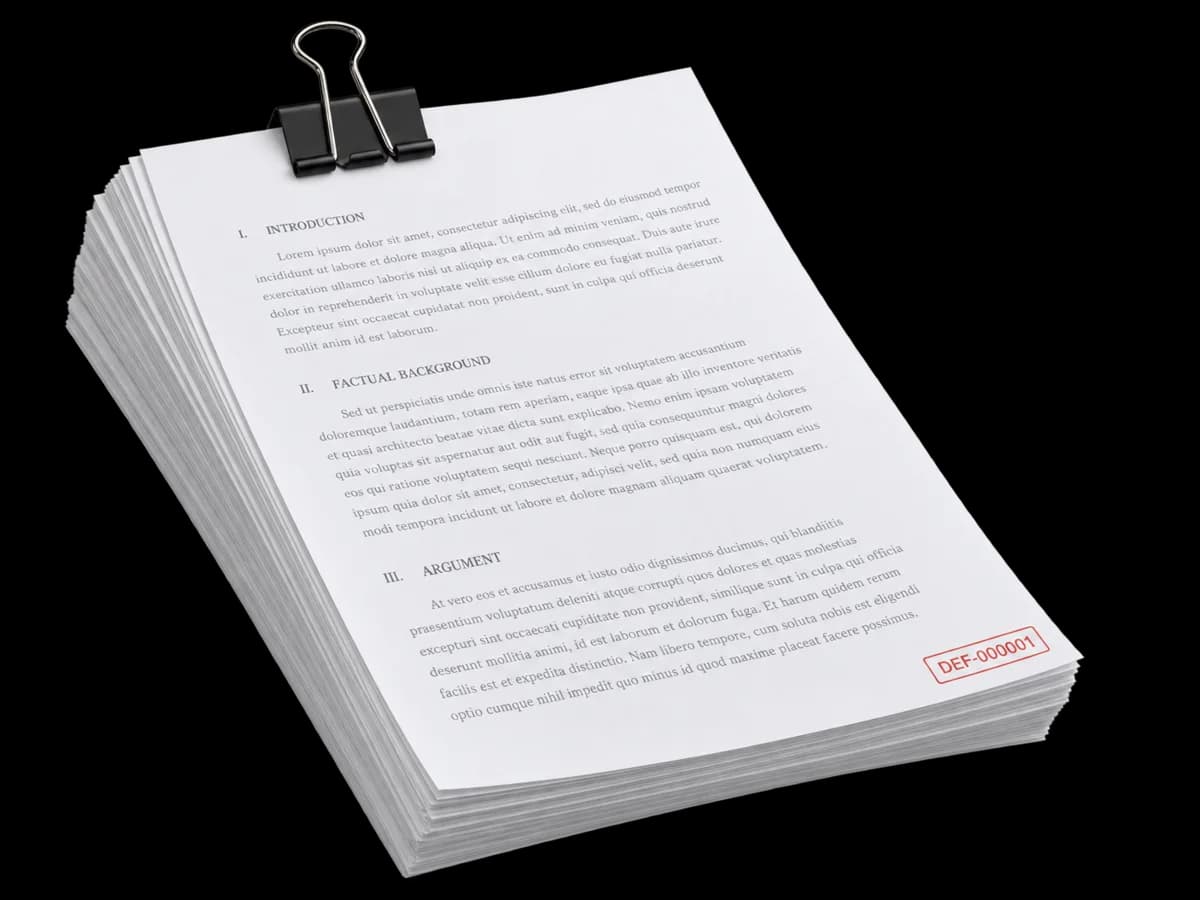
Acrobat Pro can't edit applied Bates numbers. Remove and re-apply them, clear numbers from many PDFs, and fix wrong start numbers, prefixes and file order.
Read the guideThe Bates Stamping Software resource hub
Practical guides. Useful free tools. Everything you need to prepare your next document production with confidence.
One full production free after sign-in. Files stay on your device.
The resource library
From your first Bates stamp to your next production. Practical answers, all in one place.
44 guides to help you work with confidence
Acrobat Pro can't edit applied Bates numbers. Remove and re-apply them, clear numbers from many PDFs, and fix wrong start numbers, prefixes and file order.
Read the guide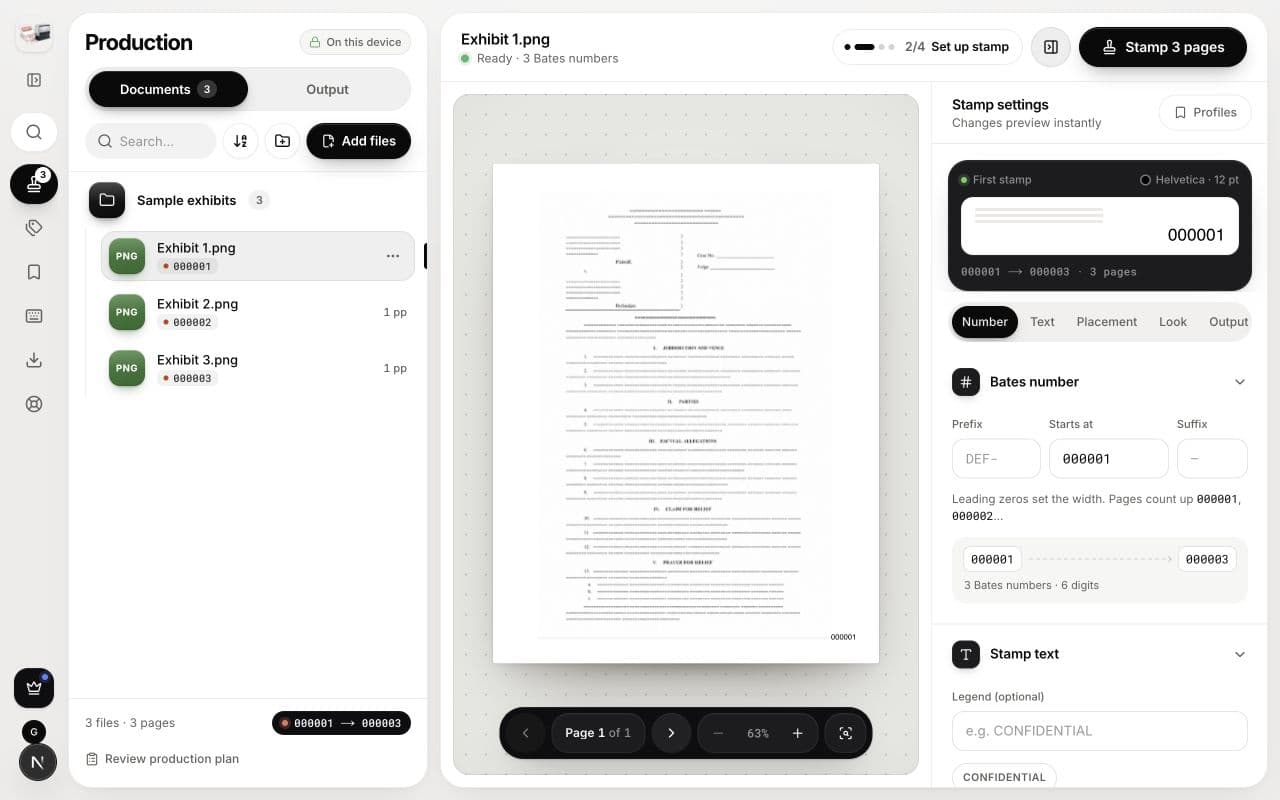
Add visible page numbers to PDFs with Bates Stamping Software template variables. Choose Page X of Y per document or continuous batch numbering, preview placement, and check the output.
Read the guide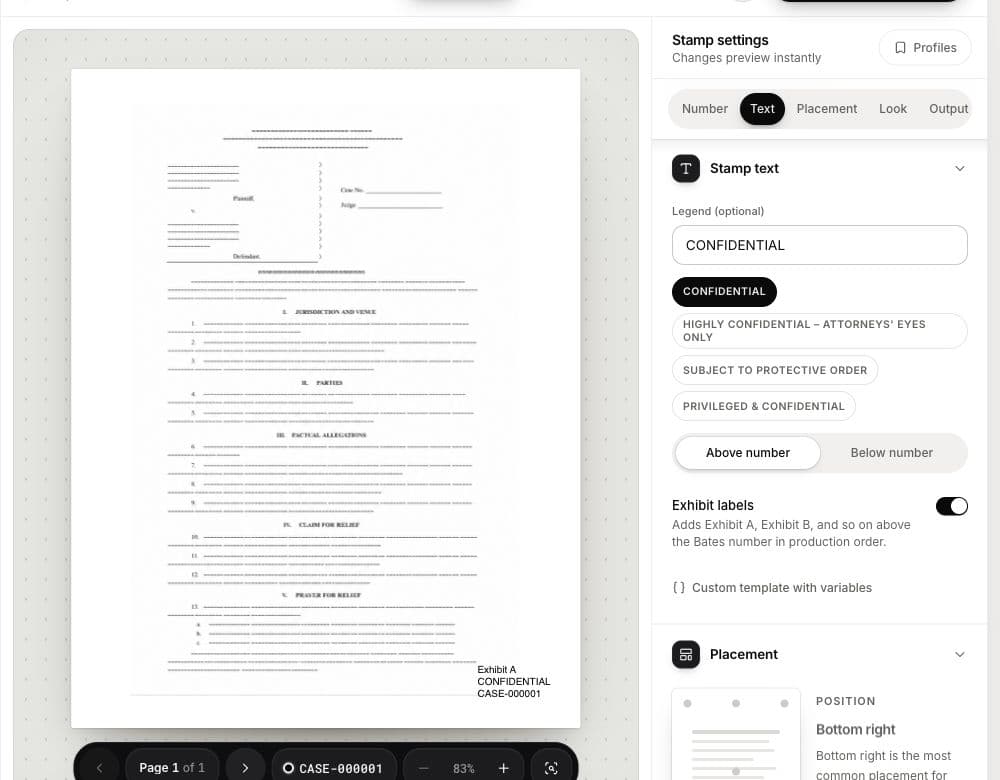
Add a visible confidentiality legend above or below a PDF Bates number, preview the wording and placement, and check the saved files. See the exact Bates Stamping Software presets and limits.
Read the guide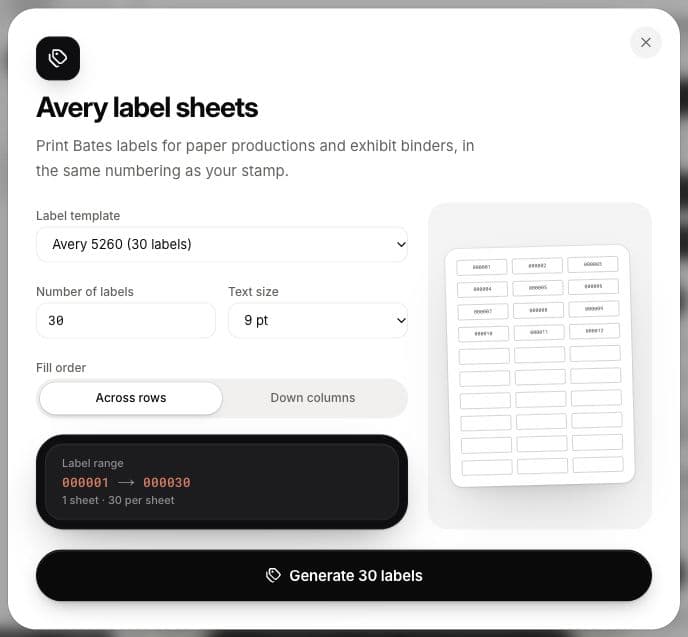
Choose a compatible 30-label Avery layout, generate sequential Bates numbers, and check PDF print scale before labeling paper records.
Read the guideCreate compact Bates labels with the Avery 5267 layout, check 5167 and 8167 compatibility, and plan rows, columns and print alignment.
Read the guideCreate numbered labels for paper files, inspection records and binders with prefixes, zero padding, Avery layouts and a checked print workflow.
Read the guideStamp and split a PDF into one file per page, keep filenames tied to Bates identifiers, and reconcile the output with a page-level CSV index.
Read the guide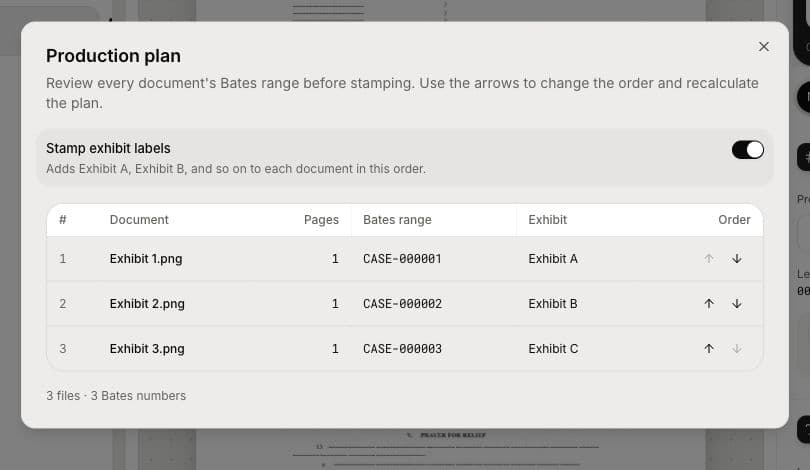
Prepare a supplemental PDF production with continuous Bates numbers, checked document ranges, and a matching index. Follow a fictional worked example in Bates Stamping Software.
Read the guideAdd Exhibit A, B, C labels to prepared PDFs in Bates Stamping Software, review their order, and choose first-page or every-page stamping. Includes a fictional exhibit example.
Read the guideBuild a Bates production index from finished PDFs. Compare the every-page CSV with the document-range CSV, verify a fictional batch, and retain a clear delivery record.
Read the guideThe Acrobat Pro steps for single and multiple PDFs, how to edit or remove Bates numbers, and a browser workflow with ranges you can review before stamping.
Read the guide
The best Bates numbering software for law firms and litigation teams, compared on security, speed, output formatting, and cost.
Read the guide
How to add Bates numbering to a PDF in minutes — free preview, no uploads, and a one-time alternative to Bates numbering a PDF in Adobe Acrobat.
Read the guide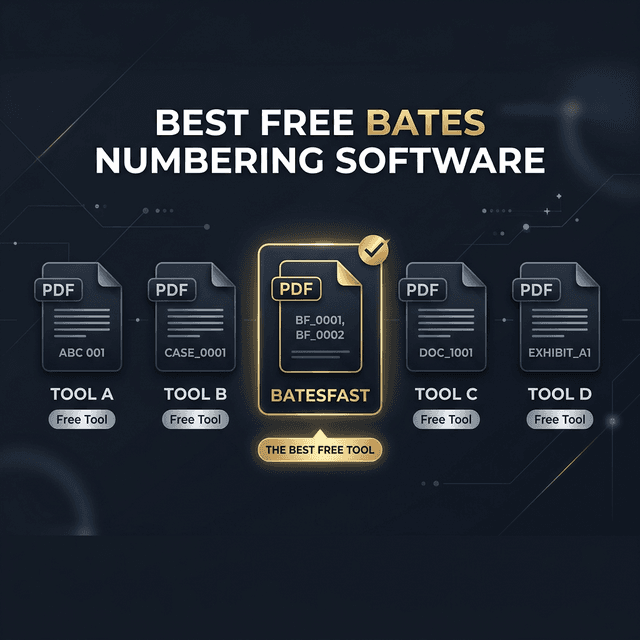
Evaluate Bates numbering software for security, batch processing, formatting, pricing, and your team's document workflow.
Read the guideA checklist for Bates stamping software: continuous numbering across PDFs, prefixes and padding, placement, a Bates index, and local processing.
Read the guide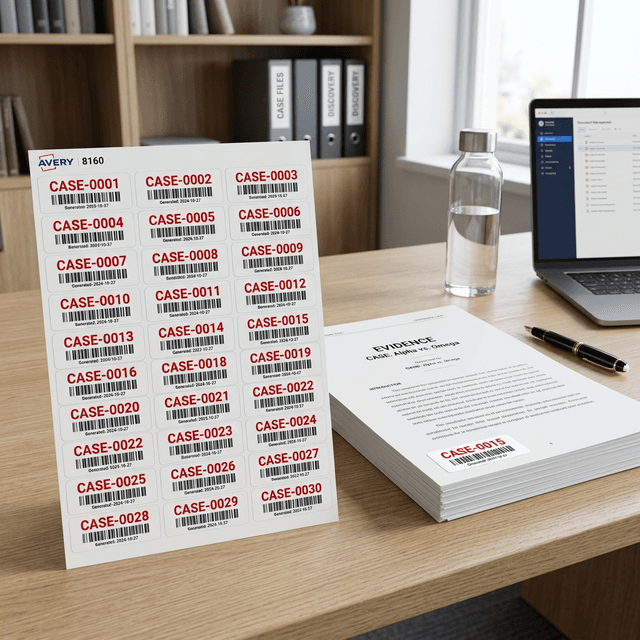
Learn how Bates labeling software creates printable label sheets and how digital Bates stamping fits the same production workflow.
Read the guide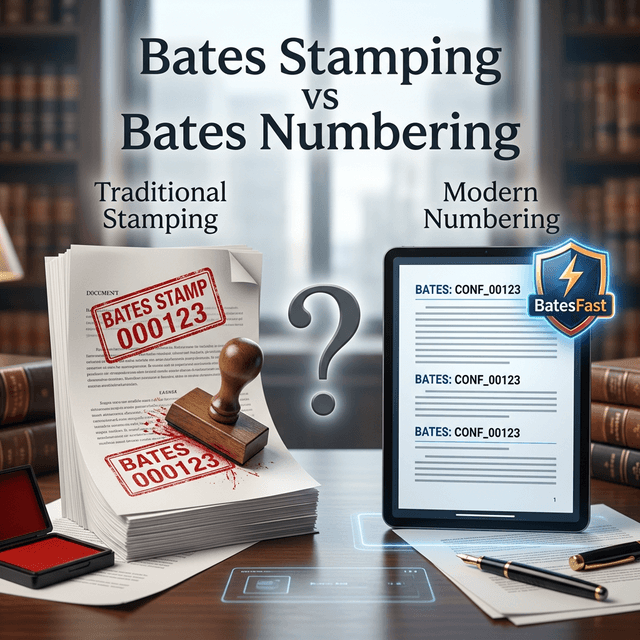
Understand Bates numbering stamps, Bates stamp machines, and why digital PDF stamping is faster for modern document productions.
Read the guide
Optimize Bates numbering performance for large document sets with efficiency tips and best practices.
Read the guide
Automate Bates numbering workflows with API integration and document management system connections.
Read the guideUnderstand the security benefits of client-side Bates numbering and why data privacy matters for legal documents.
Read the guide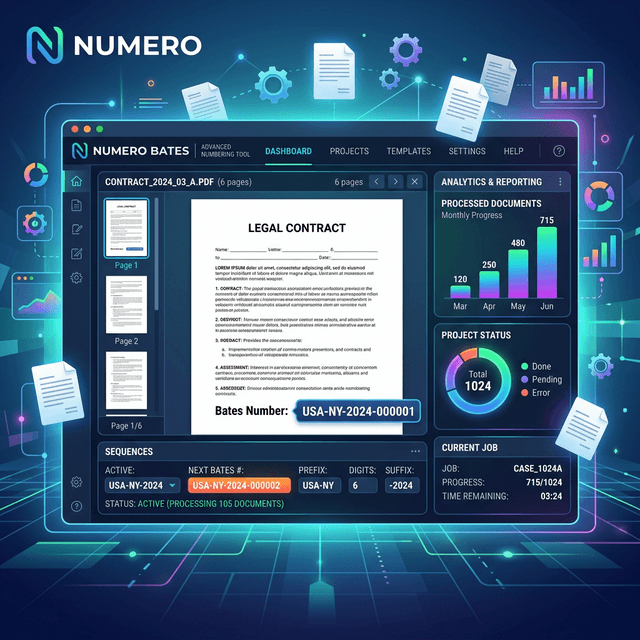
Master advanced Bates numbering techniques including conditional stamping and custom positioning.
Read the guide
Apply Bates numbering to real estate transactions, contracts, and closing documents.
Read the guideTechnical deep dive into PDF stamping technology, WebAssembly, and client-side processing.
Read the guide
Best practices for corporate legal departments using Bates numbering in internal investigations.
Read the guide
Organize prepared medical records, apply Bates numbers locally, and check privacy safeguards and production instructions for your healthcare litigation workflow.
Read the guide
Master Bates numbering for litigation: discovery process, court requirements, and workflow optimization strategies.
Read the guide
Discover how law firms implement Bates numbering workflows for efficient case management.
Read the guide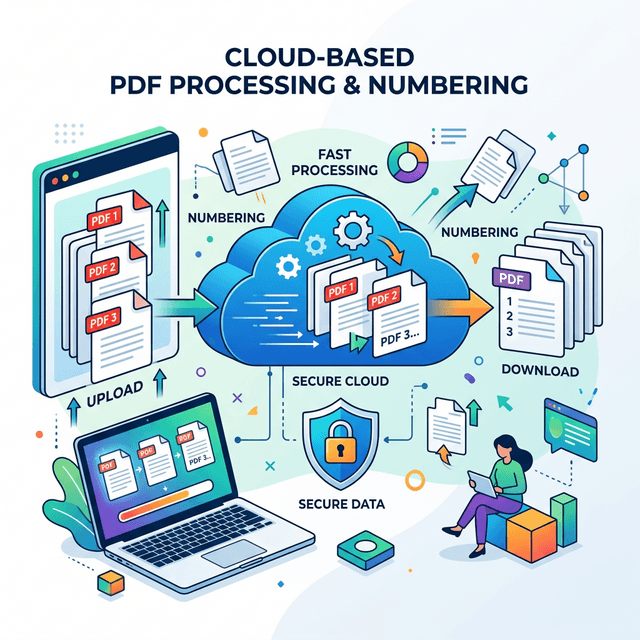
Compare online Bates numbering tools focusing on security features, privacy, and performance.
Read the guide
Comprehensive comparison of desktop and browser-based Bates numbering solutions.
Read the guide
Start a Bates Stamping Software free preview, drag and drop PDFs, JPEGs, and TIFFs, click Run, and download stamped files in minutes.
Read the guide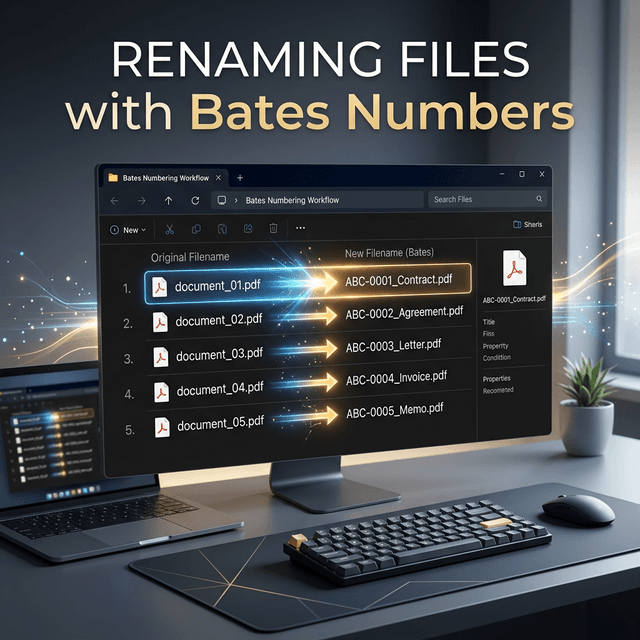
Learn file naming strategies using Bates numbers for efficient document management and organization.
Read the guide
Compare Bates numbering, filename options, local processing, and per-device pricing. Decide whether to keep Acrobat or try Bates Stamping Software.
Read the guide
The definitive 4000+ word guide covering everything about Bates numbering: definitions, history, FRCP Rule 34, step-by-step tutorials, best practices, tool comparisons, security, and advanced techniques.
Read the guide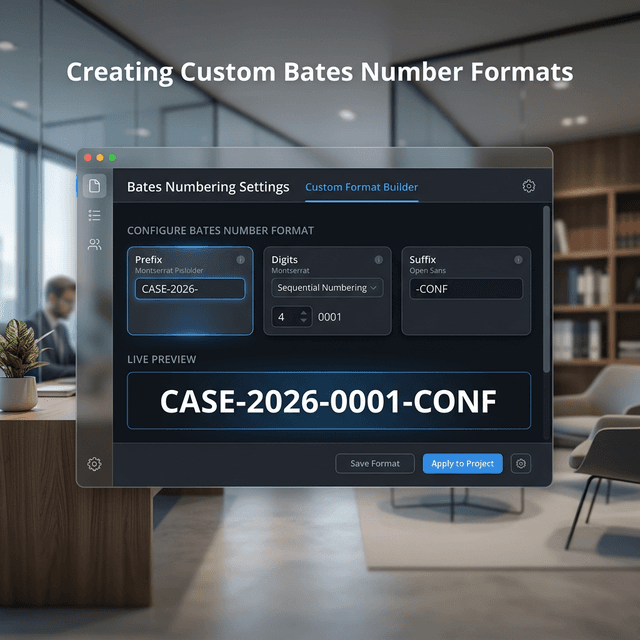
Master custom Bates number formats with prefixes, suffixes, and template variables for professional document stamping.
Read the guideComplete guide to creating Avery label sheets with Bates numbers for physical document organization.
Read the guide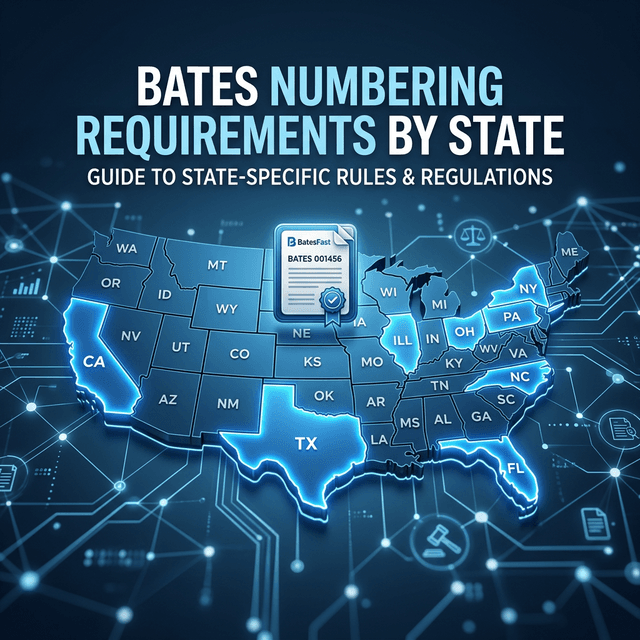
Understand FRCP Rule 34, state-specific rules, and court requirements for Bates numbering.
Read the guide
Plan continuous Bates ranges across multiple PDFs, preserve file order, and check your output against an index before delivery.
Read the guide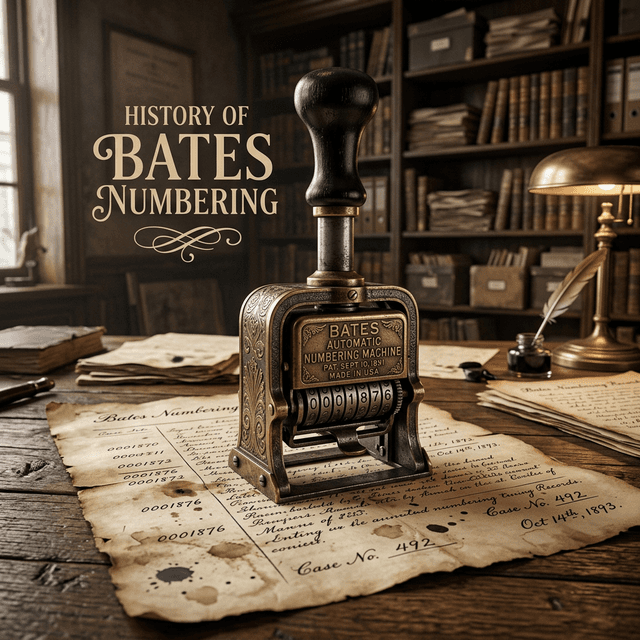
Bates numbering is named after Edwin G. Bates and his 1890s automatic numbering machine. How the Bates stamp became the legal standard.
Read the guideCompare the best free Bates numbering tools available in 2026 with features, pros, and cons.
Read the guide
How consistent page identifiers help legal teams organize documents, reference evidence, and collaborate throughout a matter.
Read the guideClear explanation of the differences between Bates stamping and Bates numbering in legal contexts.
Read the guide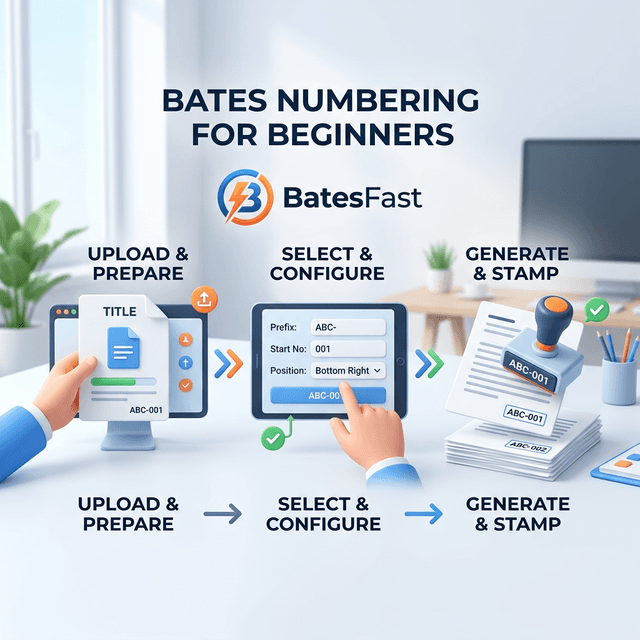
Beginner-friendly guide to Bates numbering your first set of legal documents with confidence.
Read the guide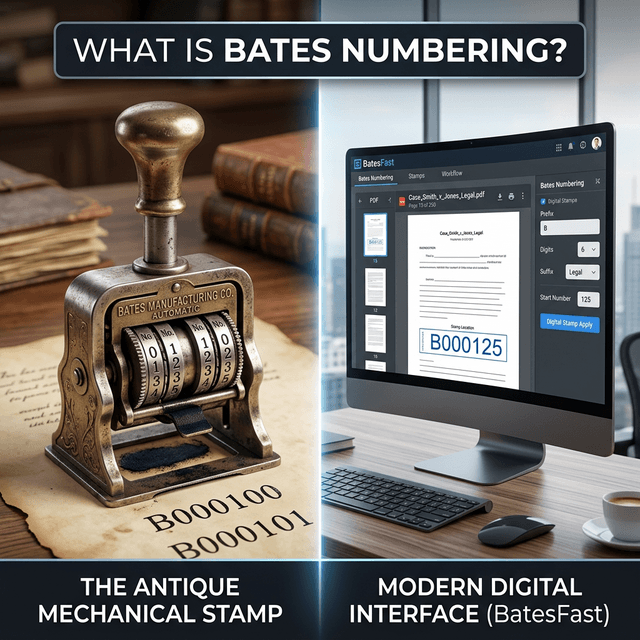
Comprehensive guide to Bates numbering: definition, history, importance, and modern applications in legal document management.
Read the guide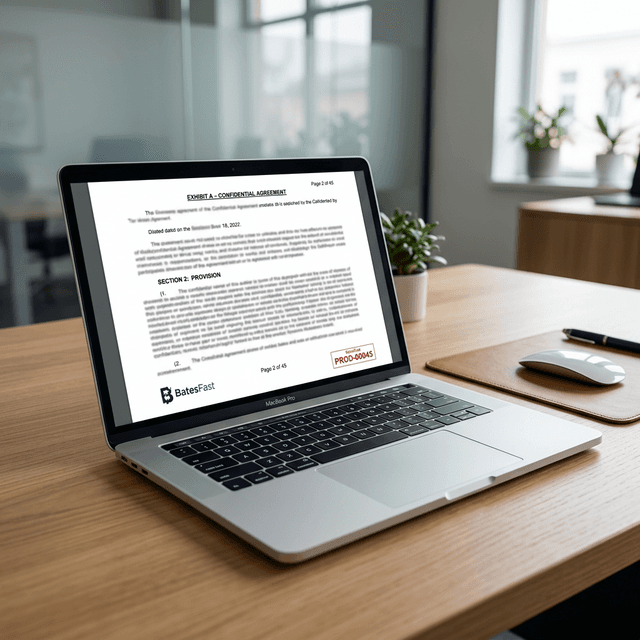
Add Bates numbers to PDFs, check placement and page ranges, and download a production with a matching index. Includes a fictional worked example.
Read the guideFree tools
A few useful shortcuts before you stamp. Free to use, with no account required.
Find your ending Bates number and the starting number for your next batch.
Calculate a rangeCount pages across your PDF files locally, before planning your production.
Count your pagesWorkflow resources
Read a worked example, then use the matching control in Bates Stamping Software. These guides cover printable labels, finished productions and PDF stamps.
Generate numbered PDF sheets for paper records and binders.
000001–000030 · 30 labels per sheet
In the app: Avery labels → Avery 5260 (30 labels).
000001–000080 · 80 labels per sheet
In the app: Avery labels → Avery 5267 (80 labels).
FILE-000001, FILE-000002, FILE-000003
In the app: Avery labels → choose your layout, count and fill order.
Continue your sequence and keep the output tied to its source.
Last: ACME_000250 → Next: ACME_000251
In the app: Use Continue from last production, or enter the next number.
Contract.pdf · 50 pages · 000001–000050
In the app: Finish a production, then download its index and document ranges.
000001.pdf, 000002.pdf, 000003.pdf
In the app: Output → One PDF per page.
Add exhibit references, page numbers and visible legends.
Exhibit A · 000001–000050; Exhibit B · 000051–000062
In the app: Presets & profiles → Declaration exhibits; check the production plan.
Page 1 of 50 · Page 2 of 50
In the app: Presets & profiles → Page X of Y + Bates.
CONFIDENTIAL · 000001
In the app: Presets & profiles → Confidential production.
The planning tools above are free without an account. In the app, one complete production or label run is free after Google sign-in; additional runs require a license.
From the guide to your next production
Bring your PDFs and images. Set the prefix, starting number and legend. See the stamp on your actual pages before you run the production.
One production or label run after Google sign-in. Downloads available for seven days.
$299 $199 lifetime per device · one-time · excludes tax.
Limited-time offer. 14-day money-back guarantee.